
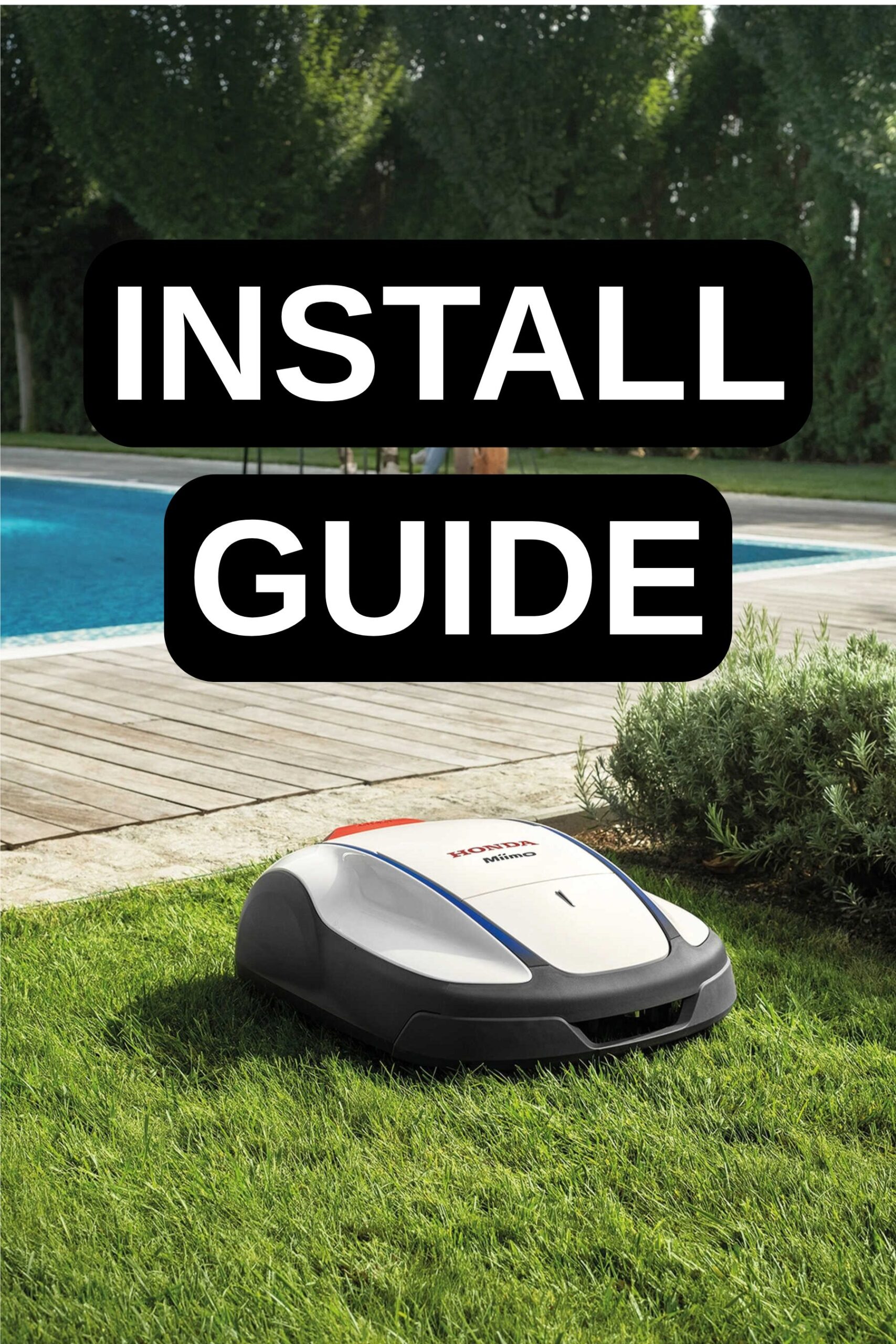
Description
Step-by-Step: Installing Your Honda Miimo
Tools Needed:
Hammer, Screwdriver, Wire Cutters, Tape Measure, Gloves, Edging Tool, Pencil & Paper
1. Plan Your Perfect Lawn
- Sketch your garden: Mark out the areas you want Miimo to mow and any zones to avoid (flower beds, ponds, etc.).
- Choose a docking station location: Pick a flat, accessible spot with nearby power. Miimo’s flexible docking means you can choose what works for you.
- Measure your boundaries: Use the tape measure to ensure correct distances from edges and obstacles.
2. Prepare the Lawn
- Mow your grass short (3–4cm) for the first time, so Miimo can start with ease.
- Clear away debris: Remove toys, stones, and branches.
- Fill any holes: This helps Miimo navigate smoothly.
3. Lay the Boundary Wire
This is Miimo’s invisible fence, guiding it safely around your garden.
- Start at the docking station and lay the wire around your lawn’s edge, keeping it 30cm from where the lawn drops off and 10cm from solid edges.
- Secure with pegs every metre or so, especially around corners.
- Create ‘islands’ around obstacles by looping the wire out and back.
- For narrow passages (as little as 60cm with shortcut wire models), follow the guidance for your specific Miimo.
- Keep the wire taut but not stretched, and avoid sharp bends.
4. Connect and Power Up
- Attach the wire ends to the docking station terminals.
- Plug in the docking station and check for the indicator light.
- Place Miimo on the station to fully charge.
5. Set Up and Personalise
- Follow the on-screen prompts to set your language, PIN, and schedule.
- Connect via Bluetooth (or GPS/Alexa for Live models) to control Miimo from your smartphone.
- Adjust cutting height (20–60mm) for your preferred finish.
- Set Free Zones (on Live models) to prevent mowing in certain areas.
6. Test and Enjoy
- Run a test cycle to ensure Miimo navigates correctly.
- Flexible docking means you can hide the station out of sight.
- Satellite Assisted Homing (Live models) ensures Miimo finds the shortest route home.
- Multi Miimo lets you team up mowers for larger grounds.
Expert Installation Tips
- 🔄 Rounded corners help Miimo turn smoothly.
- 🏡 Flexible docking means you can hide the station out of sight.
- 🛰️ Satellite Assisted Homing (Live models) ensures Miimo finds the shortest route home.
- 🤖 Multi Miimo lets you team up mowers for larger grounds.
With proper installation, your Miimo will provide years of reliable, automated lawn care. The system may require occasional adjustments as your garden changes or grows, but the time-saving benefits and consistently maintained lawn make the initial setup well worth the effort.
Remember that your Miimo works best with regular maintenance – check blades periodically, clean sensors, and ensure the docking station remains free of debris and obstructions. Enjoy your newfound free time while Miimo takes care of your lawn!


There are no reviews yet.